Leanote Is No Longer Maintained: Self-Host Trilium Notes Instead
Leanote has had no release since 2018 and no commits since 2021. Here is its status and how to self-host Trilium Notes with Docker instead.

Leanote was a self-hosted note-taking platform written in Go with a MongoDB backend, often described as an open-source alternative to Evernote: Markdown and rich-text notes, notebooks, tags, sharing and a simple public blog. If you are looking for a way to set up a Leanote server today, the honest answer is that you should not start a new installation. This page explains the project's status and shows how to run a maintained alternative, Trilium Notes, on any current Linux server, including AlmaLinux 9 and Rocky Linux 9, the successors of the end-of-life CentOS 7.
Leanote's status
The Leanote repository on GitHub has not been formally archived, but development has stopped:
- The last tagged release is 2.6.1, published in March 2018.
- The last code commits to the main branch date from 2021; one of them fixes a cross-site scripting bug in note history, and there has been no release containing it.
- More than 500 issues are open without maintainer activity.
In practice that means the published binaries are over eight years old, receive no security fixes, and were built against MongoDB versions that are themselves long out of support. Exposing such a service to the internet with your private notes in it is a risk that is hard to justify.
If you already run Leanote
Keep the instance off the public internet (bind it to localhost or put it behind a VPN) and plan a migration. Before you change anything, back up the database with mongodump and copy the files and public/upload directories of the Leanote installation, which hold attachments and images. Leanote's web and desktop clients can export notes, and Markdown or HTML exports can be imported into most current note applications.
The maintained alternative: Trilium Notes
Trilium Notes is an actively developed open-source note application with a web interface, so it covers the same use case: your notes live on your own server and you work in the browser or in a desktop client that syncs with the server. It offers hierarchical notes, rich-text and Markdown-style editing, code notes, tagging through attributes, and publicly shared notes. The project is maintained under the TriliumNext organisation on GitHub and publishes releases regularly; version 0.107.0 appeared in November 2026. It stores everything in a single SQLite database, so there is no separate database server to run.
Install Trilium with Docker
Docker is the installation method the Trilium documentation describes for servers, and it works the same on every distribution. You need a server with Docker Engine and the Compose plugin installed (see the Docker documentation for your distribution) and a user with sudo rights.
Create a directory and download the project's Compose file:
mkdir ~/trilium
cd ~/trilium
wget https://raw.githubusercontent.com/TriliumNext/Trilium/master/docker-compose.yml
Open docker-compose.yml and make two changes. First, replace the latest tag with a specific version tag from Docker Hub, because the documentation warns that latest can upgrade your instance to a new version unexpectedly:
image: triliumnext/trilium:v0.107.0Second, publish the port on the loopback address only, so the application is not reachable from the internet over plain HTTP:
    ports:
      - '127.0.0.1:8080:8080'
The file also mounts /etc/timezone from the host. That file does not exist on RHEL family systems, so on AlmaLinux or Rocky Linux delete that one volume line and keep /etc/localtime.
Start the container:
sudo docker compose up -d
sudo docker compose logs -f
Notes, configuration and backups are stored in the trilium-data directory next to the Compose file.
First login and HTTPS
To finish the setup before the server is public, open an SSH tunnel from your computer and browse to http://localhost:8080/:
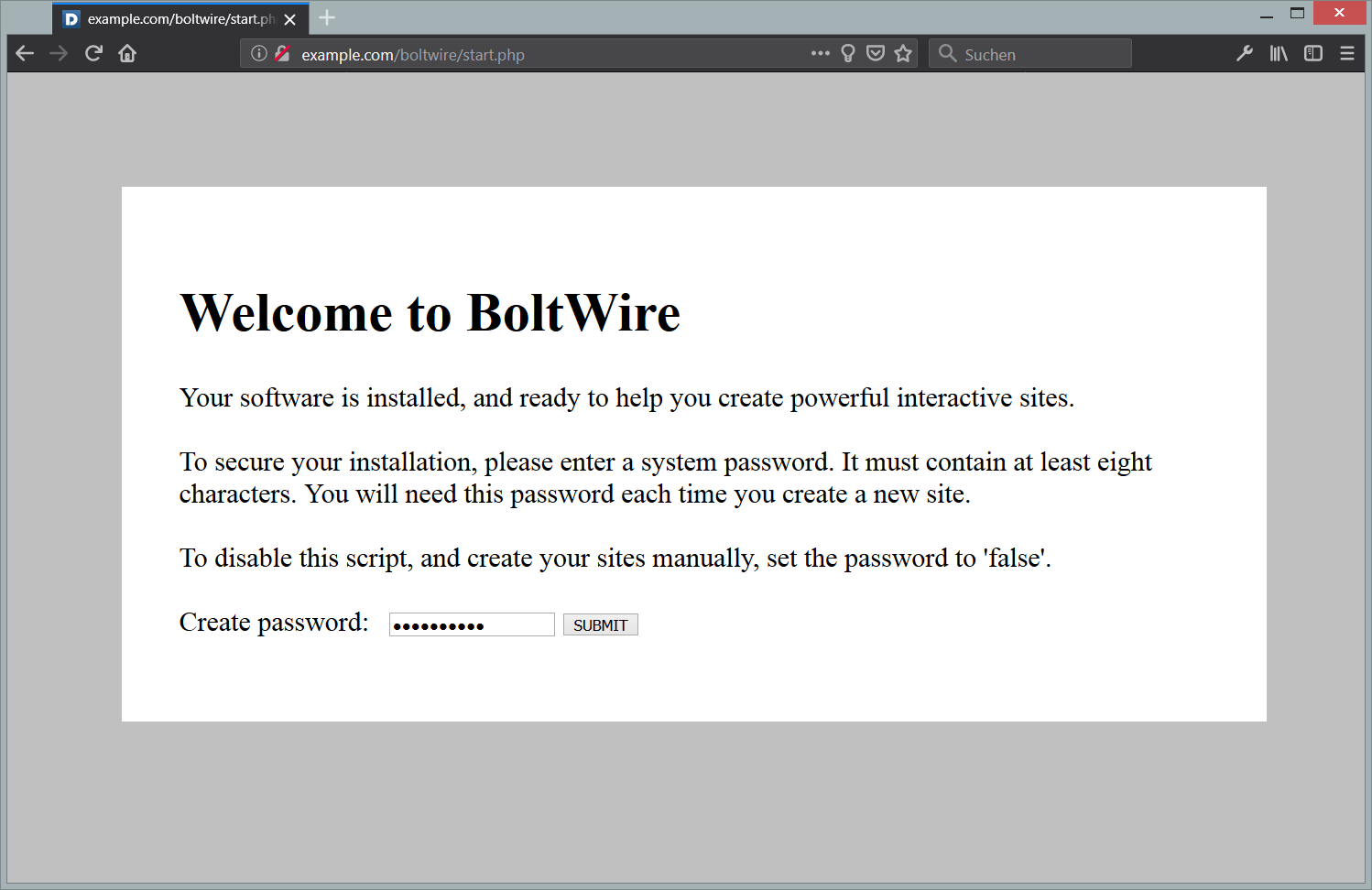
ssh -N -L 8080:127.0.0.1:8080 deploy@203.0.113.10Trilium asks whether this is a new document and lets you set the password for the instance.
For regular use, put a reverse proxy with a TLS certificate in front of it; the Trilium documentation calls TLS essential for a server installation. Any Nginx or Apache site that proxies https://notes.example.com/ to http://127.0.0.1:8080 works. Two details are specific to Trilium: pass the WebSocket Upgrade and Connection headers, and set client_max_body_size 0; in Nginx, because the default 1 MB limit breaks uploads and sync. The official Trilium documentation has complete proxy examples.
Updating and backing up Trilium
To update, change the version tag in docker-compose.yml and recreate the container:
cd ~/trilium
sudo docker compose pull
sudo docker compose up -d
Back up by copying the trilium-data directory, ideally while the container is stopped. Trilium also writes its own periodic database backups into trilium-data/backup.
Frequently asked questions
Can I still download and run Leanote 2.6.1?
The binaries are still downloadable, but they are from 2018 and unmaintained. Treat them as a way to read an old database during a migration on a private machine, not as something to deploy.
Is there an automatic Leanote to Trilium importer?
No dedicated one. Export your notes from Leanote as Markdown or HTML and use Trilium's import function, which accepts both formats as well as ZIP archives of them. Check attachments and internal links by hand afterwards.
What if I only need sync between devices, not a web editor?
Then Joplin with its own sync server, or Joplin pointed at a WebDAV or Nextcloud share, is another maintained option. Its apps can also import Evernote .enex files directly.