Management Guides Troubleshooting
WordPress 502 Bad Gateway on Nginx: Find the Cause and Fix It
A 502 Bad Gateway from nginx means PHP-FPM gave no valid answer. The nginx error log says why; this guide maps each log message to its cause and fix.
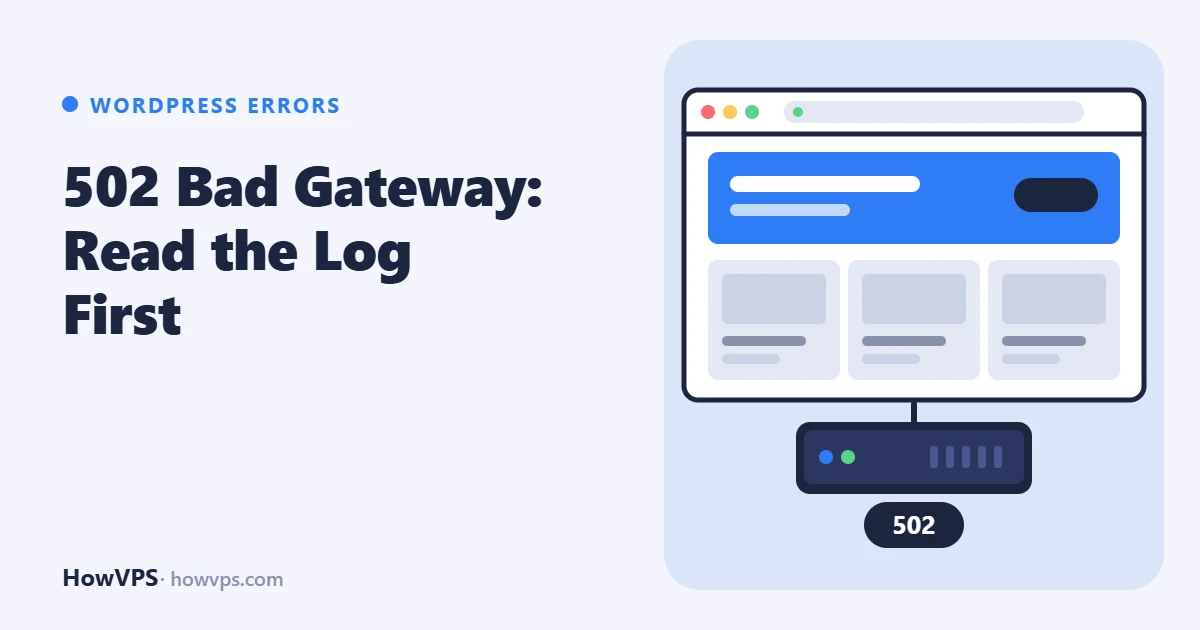
"502 Bad Gateway" from nginx means nginx is running and received the request, but could not get a valid answer from PHP-FPM, the service that runs WordPress's PHP code. Either nginx could not connect to PHP-FPM at all, or the connection broke before a complete response came back.
The fix starts with one line in the nginx error log. That line names the exact failure, and each failure has a short list of causes: PHP-FPM stopped, the socket path or its permissions are wrong, a worker process died in the middle of the request, or the response headers were too large.
Commands and directives here follow the nginx and PHP documentation; they were not executed on a test server for this article.
Read the nginx error log
Reload the failing page, then:
sudo tail -n 30 /var/log/nginx/error.log
# if the site has its own log, the path is in the error_log line of its server block| What you see in the log | Likely cause | Where to look |
|---|---|---|
connect() to unix:/run/php/... failed (2: No such file or directory) | PHP-FPM is stopped, or nginx points at a socket that no longer exists (typical after a PHP upgrade) | systemctl status, fastcgi_pass |
connect() ... failed (13: Permission denied) | The nginx user may not open the socket | listen.owner, listen.group, listen.mode |
connect() ... failed (111: Connection refused) | Nothing is listening on that socket or TCP port | PHP-FPM status, listen in the pool |
recv() failed (104: Connection reset by peer) or upstream prematurely closed connection | The worker died during the request: killed for memory, killed by a timeout, or crashed | PHP-FPM log, kernel journal |
upstream sent too big header | Response headers larger than the nginx buffer | fastcgi_buffer_size |
If the log shows upstream timed out, the error is a 504 and the checks are different; see 504 Gateway Time-out.
PHP-FPM is stopped or crashed
# Ubuntu, Debian (use your PHP version)
sudo systemctl status php8.5-fpm
sudo journalctl -u php8.5-fpm -n 50 --no-pager

# AlmaLinux, Rocky Linux
sudo systemctl status php-fpm
sudo journalctl -u php-fpm -n 50 --no-pager
If the service failed to start, the journal usually names a configuration error. Test the configuration, fix the line it reports, then start the service:
sudo php-fpm8.5 -t                 # php-fpm -t on AlmaLinux, Rocky Linux
sudo systemctl restart php8.5-fpm
sudo systemctl is-active php8.5-fpm
If it was running and stopped, check whether the kernel killed it for memory with sudo journalctl -k | grep -i -E "out of memory|oom-kill", and follow the OOM killer guide.
Socket path mismatch after a PHP upgrade
On Ubuntu and Debian the socket name contains the PHP version: /run/php/php8.3-fpm.sock, /run/php/php8.5-fpm.sock. After a release upgrade or a manual PHP upgrade the new service creates a new socket, while the nginx site file still names the old one. Compare the two:
ls -l /run/php/                       # /run/php-fpm/ on AlmaLinux, Rocky Linux
grep -R "fastcgi_pass" /etc/nginx/
Change fastcgi_pass to the socket that exists, then test and reload:
sudo nginx -t && sudo systemctl reload nginx
curl -I https://example.com/
The same message appears when the pool listens on TCP (listen = 127.0.0.1:9000) and nginx expects a socket, or the reverse. The listen line is in /etc/php/8.5/fpm/pool.d/www.conf on Ubuntu and Debian and in /etc/php-fpm.d/www.conf on AlmaLinux and Rocky Linux; it must match fastcgi_pass. After a PHP upgrade also confirm that the PHP extensions WordPress needs were installed for the new version, or the 502 turns into a critical error.
Permission denied on the socket
The socket is a file, and the user nginx runs as needs read and write access to it. Check who nginx runs as and who owns the socket:
ps -o user= -C nginx | sort -u
ls -l /run/php/php8.5-fpm.sock
The owner and mode are set in the pool file. For nginx running as www-data on Ubuntu or Debian:
listen.owner = www-data
listen.group = www-data
listen.mode = 0660
On AlmaLinux and Rocky Linux nginx runs as nginx, and the packaged pool grants access with listen.acl_users = apache,nginx instead; when that line is set, listen.owner and listen.group are ignored. Restart PHP-FPM after the change (the socket is created at start), look at ls -l again and reload the page. If the permissions are right and the error remains on AlmaLinux or Rocky Linux, look for SELinux denials with sudo ausearch -m avc -ts recent.
Workers killed or crashing during a request
"Connection reset by peer" and "prematurely closed connection" mean nginx connected and the PHP worker then disappeared. The PHP-FPM log says how it ended:
sudo tail -n 50 /var/log/php8.5-fpm.log          # Ubuntu, Debian
sudo tail -n 50 /var/log/php-fpm/error.log       # AlmaLinux, Rocky Linux
exited on signal 9 (SIGKILL): something killed the worker. If the kernel journal shows an OOM kill at the same time, the server ran out of memory; lowerpm.max_childrenor add RAM, as described in PHP-FPM tuning.- A line saying the request was terminated after a number of seconds: the pool's
request_terminate_timeoutended a long request. Nginx reports this as a 502, although the real problem is a slow request. exited on signal 11 (SIGSEGV): PHP itself crashed. The usual source is an extension (a bytecode cache, a profiler, an image library) that does not match the PHP build. Install pending updates, then disable non-essential extensions one at a time and restart PHP-FPM until the crashes stop.
A related message, (11: Resource temporarily unavailable) while connecting to upstream, means every worker was busy and the socket's waiting queue was full. Look for "server reached pm.max_children" in the PHP-FPM log.
Upstream sent too big header
Nginx reads the response headers from PHP into one buffer whose size is fastcgi_buffer_size. The default is one memory page, 4k or 8k. A response with many or large Set-Cookie headers, or a plugin that sends long debugging headers, does not fit. Raise the buffers in the location block that passes requests to PHP:
fastcgi_buffer_size 32k;
fastcgi_buffers 16 16k;
fastcgi_busy_buffers_size 32k;
sudo nginx -t && sudo systemctl reload nginxReload the page that failed and confirm that no new "too big header" line appears in the error log. These values are a common starting point, not a measured optimum. If you need much more, find the plugin that sends the headers.
502 only in wp-admin
When the public site works and the dashboard returns 502, the same log line still decides. Three causes are typical:
- Public pages come from a page cache and never reach PHP, so a stopped or struggling PHP-FPM shows up only on uncached requests such as wp-admin.
- Admin requests use more memory than front-end ones (the editor, plugin and update screens, imports), so workers are killed there first.
- Logged-in requests carry more cookies and headers, which triggers "too big header".
If it began after a plugin update, deactivate the plugin from the shell: sudo -u www-data wp plugin deactivate PLUGIN --skip-plugins --skip-themes.
Behind Cloudflare: whose 502 is it
With Cloudflare in front, a 502 can come from your server or from Cloudflare's network. Cloudflare's documentation describes the difference: when your origin answers with a 502, Cloudflare shows it on a Cloudflare-branded error page; a plain page without the branding was generated by Cloudflare itself.
The reliable test is to ask the origin directly, without going through Cloudflare:
curl -sI --resolve example.com:443:YOUR_SERVER_IP https://example.com/ | head -n 1If this returns 502 and the nginx error log has a matching line, the problem is on your server and the sections above apply. If the origin answers 200 while visitors still see 502, look at Cloudflare's status page before changing anything on the server.
Keep it from returning
- After every PHP upgrade, check
fastcgi_passin each site file. - Size
pm.max_childrento the memory you have; How much RAM WordPress needs shows the calculation. - Keep PHP and its extensions on supported versions, and apply security updates such as the fix described in the PHP-FPM request smuggling advisory.