Critical PHP-FPM Flaw CVE-2026-129289: How to Check and Patch Your Server
PHP 8.2.36, 8.3.37, 8.4.28 and 8.5.13 fix a critical PHP-FPM request smuggling flaw. Which servers are exposed, how to check nginx and Apache, and how to patch.
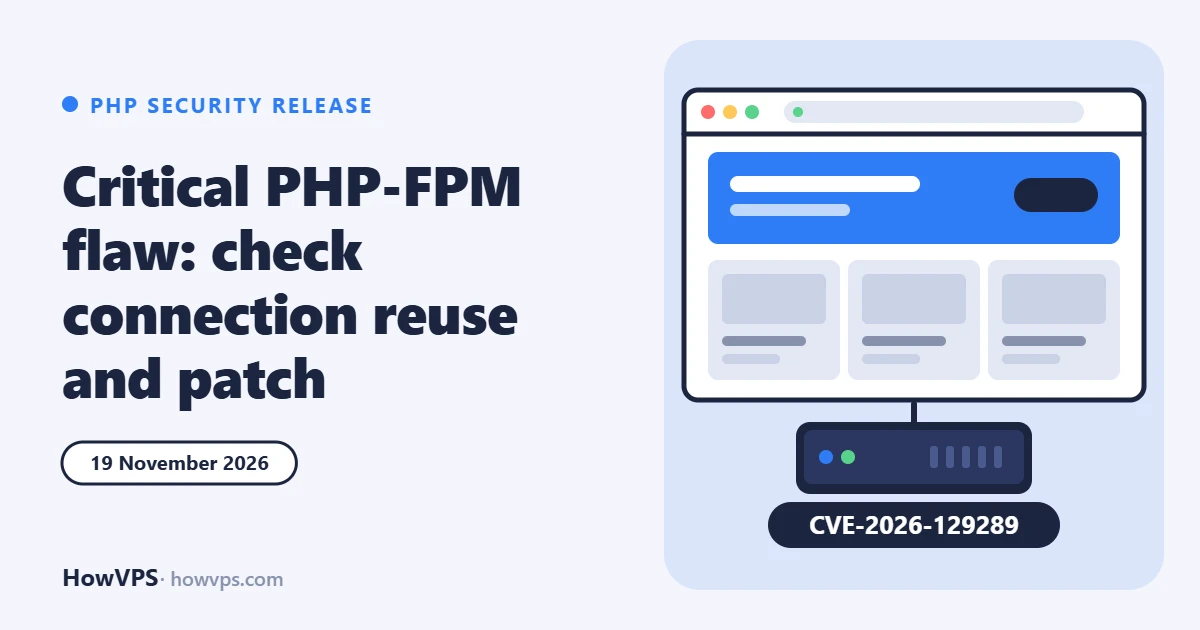
The PHP project released security updates on 19 November 2026 that fix a critical flaw in PHP-FPM, tracked as CVE-2026-129289. On servers with one specific setting, an attacker with no account can smuggle a second request to PHP-FPM. Researchers at Wordfence say they used it to run code on an unmodified WordPress 7.1.5 site in a lab.
Most servers are not exposed, because the setting involved is off by default in nginx. It takes two minutes to check, and the fix is a normal package update followed by a restart.
Who is affected
According to the PHP security advisory, all of these must be true:
- PHP version: older than 8.2.36, 8.3.37, 8.4.28 or 8.5.13. The faulty code has been present since PHP 5.6.
- Connection reuse: the web server keeps its FastCGI connection to PHP open between requests. That means
fastcgi_keep_conn onin nginx,enablereuse=onin Apachemod_proxy_fcgi, some HAProxy FastCGI setups, or LiteSpeed's LSAPI. - Application behaviour: a script opens the request body (
php://input) without reading all of it. - A known script path: the attacker knows the path of an existing PHP file.
The advisory gives the flaw a CVSS 4.0 score of 9.2 (critical). Servers that close the FastCGI connection after each request are not affected by the demonstrated attack, and the PHP project says code execution through LSAPI has not been established.
Why WordPress sites are in scope
Wordfence reports that the WordPress REST API reads the request body in a way that meets the third condition, so no plugin or theme is needed. Its team reproduced code execution without logging in on WordPress 7.1.5 with PHP 8.2.35, nginx and connection reuse switched on. The attack failed on PHP 8.2.36 and with connection reuse off.
We read Wordfence's findings through a mirror of its article because the original page did not load, so treat the details as reported, not confirmed by us. Wordfence also notes that the WordOps server templates enable fastcgi_keep_conn.
No attacks in the wild had been confirmed by 20 November 2026, and the flaw was not in CISA's exploited list on that date. Technical details are public, so that can change quickly.
Check your server
1. Find the PHP-FPM version that serves the site. The command-line php -v can be a different version from the one behind the web server, so ask the FPM binary or the running service.
# Debian and Ubuntu (adjust the version number)
php-fpm8.3 -v
systemctl list-units 'php*-fpm*'

# AlmaLinux, Rocky Linux, RHEL
php-fpm -v
In WordPress, Tools → Site Health → Info → Server shows the PHP version in use. It cannot tell you whether your distribution back-ported the fix or whether the service was restarted.
2. Look for connection reuse.
# nginx
grep -Rn "fastcgi_keep_conn" /etc/nginx/

# Apache
grep -Rni "enablereuse" /etc/apache2/ /etc/httpd/ 2>/dev/null
No output from the nginx command means the default (off) is in effect. A line with fastcgi_keep_conn on; or enablereuse=on means the server meets the second condition.
Fix it
| PHP branch | Fixed in |
|---|---|
| 8.5 | 8.5.13 |
| 8.4 | 8.4.28 |
| 8.3 | 8.3.37 |
| 8.2 | 8.2.36 |
| 8.1 and older | No upstream fix: these branches are no longer supported by the PHP project |
Self-managed VPS. Install the updated PHP packages and restart PHP-FPM. The update has no effect until the running processes are replaced.
# Debian and Ubuntu
sudo apt update && sudo apt upgrade
sudo systemctl restart php8.3-fpm

# AlmaLinux, Rocky Linux, RHEL
sudo dnf upgrade 'php*'
sudo systemctl restart php-fpm
Distributions often patch their own PHP build without changing the version number. If php-fpm -v still shows an older number after updating, check your distribution's security notice for CVE-2026-129289 before assuming you are exposed.
Docker. Pull or rebuild from a base image that contains the fixed PHP release, then recreate the containers.
Managed hosting and control panels. The host or panel vendor ships PHP. Check their announcement, and select a fixed PHP build if the panel offers several.
If you cannot update today. Switch off connection reuse and reload the web server. This is the workaround the PHP project lists.
# nginx: remove the line or set it to off, then
sudo nginx -t && sudo systemctl reload nginx
Also make sure the PHP-FPM socket or port is not reachable from the internet. It should listen on a Unix socket or on 127.0.0.1 only.
Other fixes in the same releases
The 19 November releases are security releases for all four supported branches, and the PHP team rated the highest severity as critical. The PHP 8.4.28 changelog also lists a PHP-CGI memory flaw (CVE-2026-129538). Wordfence counts six further critical PHP issues in this cycle and rates their relevance to typical WordPress sites as low or dependent on the application. Updating to the versions in the table covers all of them.
This is the second month in a row with critical PHP fixes. Our October PHP article covers the previous round, and the WordPress 7.1.5 article covers the WordPress update released the day before.
Sources
- PHP security advisory GHSA-qc49-hpvq-g2w6 (CVE-2026-129289, 19 November 2026)
- PHP.net news archive 2026 (release announcements of 18 and 19 November)
- PHP 8 changelog
- Wordfence: CVE-2026-129289 and other critical PHP vulnerabilities (read via a mirror on malware.news, 20 November 2026)