WordPress Redis Object Cache: Setup on Your Own VPS
Install Redis or Valkey, limit its memory, connect WordPress with the Redis Object Cache plugin and its wp-config constants, verify it, and fix the two common errors.
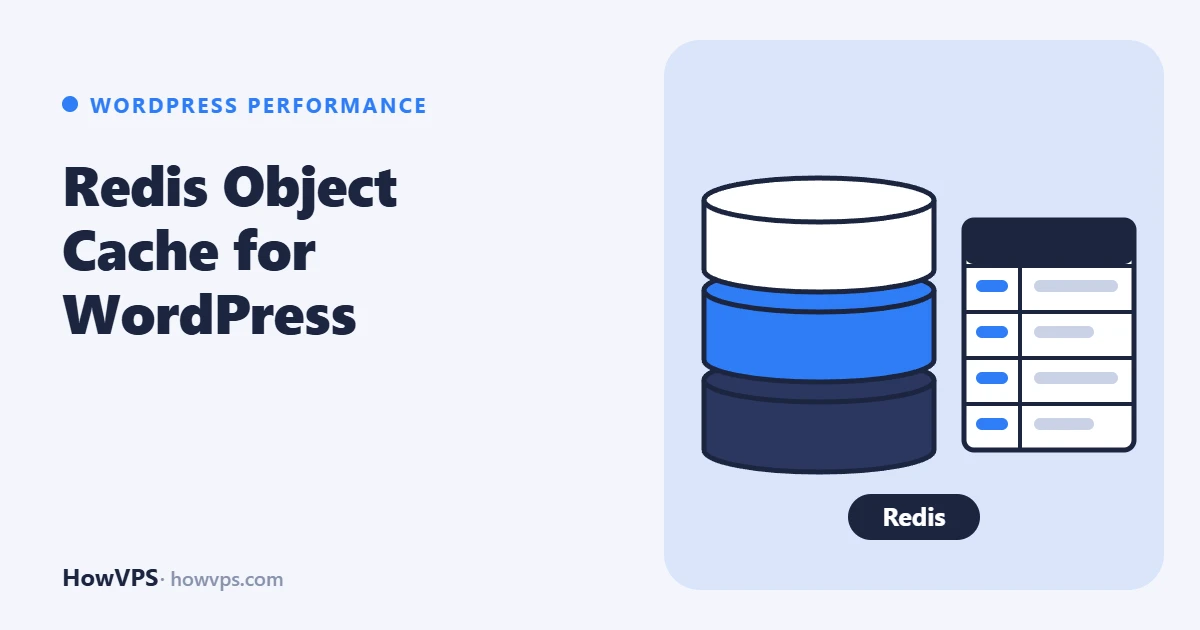
A persistent object cache keeps the results of WordPress database lookups in memory, so the next request does not ask the database again. On a VPS the usual way to get one is a local Redis server (or Valkey, its drop-in replacement on newer distributions), the PHP redis extension and the "Redis Object Cache" plugin.
The setup is four steps: install the server and the PHP extension, give Redis a memory limit and an eviction policy, add a few constants to wp-config.php, and enable the plugin's drop-in. wp redis status then reports "Connected".
Package names and settings follow the Redis, Valkey and plugin documentation; the commands were not run on a test server for this article.
What an object cache does, and what it does not
WordPress already has an object cache, but by default it lives only for one request. Options, posts, user data and query results are fetched, used and thrown away. A persistent object cache stores them in Redis so later requests can reuse them.
A page cache is different: it stores finished HTML and skips PHP entirely, which only works for anonymous visitors. The two solve different problems.
| Request | Page cache helps | Object cache helps |
|---|---|---|
| Anonymous visitor, blog post | Yes | Only on a cache miss |
| Logged-in user, admin area | No | Yes |
| WooCommerce cart, checkout, account | No | Yes |
| REST API and admin-ajax requests | Usually no | Yes |
For a blog with anonymous readers, set up the nginx FastCGI cache first. For a shop, a membership site or a slow admin, the object cache is the one that matters. Redis needs memory of its own; How much RAM WordPress needs covers the budget.
Install Redis or Valkey and the PHP extension
Valkey is a fork of Redis that speaks the same protocol. Ubuntu 26.04 and Debian 13 package both. The plugin works with either, and everything below applies to both; only the names of the service, the config file and the command-line client differ.
# Ubuntu, Debian: Redis
sudo apt update
sudo apt install redis-server php-redis
sudo systemctl enable --now redis-server

# Ubuntu 26.04, Debian 13: Valkey instead of Redis
sudo apt install valkey-server php-redis
sudo systemctl enable --now valkey-server

# AlmaLinux, Rocky Linux: check which of the two the release ships
dnf info valkey redis
dnf search php | grep -i redis
On AlmaLinux and Rocky Linux the PHP extension is named php-pecl-redis or similar and may come from an extra repository; install what the search shows. Restart PHP-FPM so it loads the extension, then check both parts:
sudo systemctl restart php8.5-fpm     # php-fpm on AlmaLinux, Rocky Linux
php -m | grep -i redis                # prints: redis
redis-cli ping                        # prints: PONG  (valkey-cli ping for Valkey)
Keep it on localhost, and limit its memory
A Redis server reachable from the internet without a password is a well-known way to lose a server. The distribution packages listen on the loopback address only; confirm it:
sudo ss -ltnp | grep 6379The address column must show 127.0.0.1:6379 (and [::1]:6379), never 0.0.0.0 or *. If it does not, set bind 127.0.0.1 -::1 in the config file. Do not open port 6379 in the firewall.
By default Redis has no memory limit, and its default policy when a limit is reached is noeviction: it refuses new writes. A cache needs the opposite. Edit /etc/redis/redis.conf (/etc/valkey/valkey.conf for Valkey) and set:
maxmemory 128mb
maxmemory-policy allkeys-lru
allkeys-lru removes the least recently used keys when memory is full, which the Redis documentation gives as a good default for a cache. The size is a starting point, not a measurement: many small sites fit in 64 to 128 MB, a large shop needs more. Restart and verify:
sudo systemctl restart redis-server
redis-cli config get maxmemory
redis-cli config get maxmemory-policy
Optional: a unix socket instead of TCP
A unix socket is a file that local programs connect through. It avoids the network stack and is protected by file permissions. In the config file:
unixsocket /run/redis/redis-server.sock
unixsocketperm 770
Then let the PHP user into the redis group and restart both services:
sudo usermod -aG redis www-data       # the PHP-FPM pool user; often apache or nginx on AlmaLinux, Rocky Linux
sudo systemctl restart redis-server php8.5-fpm
sudo -u www-data redis-cli -s /run/redis/redis-server.sock ping
Install the plugin and set the constants
The plugin reads its settings from constants in wp-config.php. Add them above the line /* That's all, stop editing! */:
define( 'WP_REDIS_HOST', '127.0.0.1' );
define( 'WP_REDIS_PORT', 6379 );
define( 'WP_REDIS_PREFIX', 'example_com:' );
define( 'WP_REDIS_DATABASE', 0 );

// For the unix socket, instead of host and port:
// define( 'WP_REDIS_SCHEME', 'unix' );
// define( 'WP_REDIS_PATH', '/run/redis/redis-server.sock' );
Host 127.0.0.1 and port 6379 are the plugin's defaults, so on a single site only the prefix is worth setting. Other constants it documents are WP_REDIS_PASSWORD, WP_REDIS_TIMEOUT and WP_REDIS_READ_TIMEOUT (both one second by default), WP_REDIS_MAXTTL, and WP_REDIS_DISABLED, which bypasses the cache without removing anything.
Several sites on one server. Without separation, two sites read each other's cached data, and one site can end up redirecting to the other's domain. The plugin's documentation says each site must have its own WP_REDIS_PREFIX and its own WP_REDIS_DATABASE (a number from 0 to 15).
Now install the plugin and enable the drop-in. A drop-in is a file WordPress loads from wp-content if it exists; here it is wp-content/object-cache.php, which replaces the built-in cache with the Redis one.
cd /var/www/example.com
sudo -u www-data wp plugin install redis-cache --activate
sudo -u www-data wp redis enable
The same can be done in the dashboard under Settings > Redis. See the WP-CLI guide if wp is not installed.
Verify that it works
sudo -u www-data wp redis statusLook for Status: Connected and a valid drop-in. Then confirm from the Redis side that keys arrive and are being read:
redis-cli dbsize
redis-cli --scan --pattern 'example_com:*' | head
redis-cli info stats | grep keyspace
Load a few pages and run the last command again: keyspace_hits should rise faster than keyspace_misses. redis-cli info memory | grep used_memory_human shows how much of the limit is used.
Fix: "Error establishing a Redis connection"
WordPress shows this when the drop-in is active and cannot reach the server. To bring the site back at once, delete wp-content/object-cache.php; nothing is lost, the site just runs without the cache. Then check in this order:
- Is the server running?
systemctl status redis-serverandredis-cli ping. If it was stopped for lack of memory, see the OOM killer. - Do the constants match? Compare host, port or socket path with
sudo ss -ltnp | grep 6379and the config file. With a socket, the PHP user must be in theredisgroup and PHP-FPM restarted after the change. - Is a password set? A
NOAUTH Authentication requiredmessage meansrequirepassis set in Redis andWP_REDIS_PASSWORDis missing. - SELinux on AlmaLinux and Rocky Linux can stop PHP from opening network connections. Look for denials with
sudo ausearch -m avc -ts recent;sudo setsebool -P httpd_can_network_connect 1allows them.
If writes fail with OOM command not allowed, the memory limit was reached under the noeviction policy. Set allkeys-lru as shown above.
Fix: the filesystem is not writeable
Enabling the cache copies object-cache.php into wp-content. If PHP runs as a user that cannot write there, which is a sensible hardening choice, the plugin reports that the filesystem is not writeable. Check who owns the folder:
ls -ld /var/www/example.com/wp-contentEither run wp redis enable as the user that owns the files, or copy the file yourself from the plugin folder and give it the same owner as the other files:
cd /var/www/example.com/wp-content
sudo cp plugins/redis-cache/includes/object-cache.php object-cache.php
sudo -u www-data wp redis status
A copied drop-in does not update itself, so repeat the copy after plugin updates if the status reports it as outdated. WordPress file permissions explains the ownership model.
Frequently asked questions
Should the cache be flushed regularly?
No. WordPress invalidates entries itself, and the plugin's documentation calls frequent flushing bad practice. Flush once after a migration or a change of prefix with wp cache flush.
Does Redis need a password on localhost?
Not if it listens only on the loopback address or a socket and every user on the server is trusted. On a server shared with other people, set one.