Developer and Deployment Tools for Your Own Server
Open-source DevOps, deployment and command-line tools for people who run their own servers, ranked with live GitHub star counts.
New guides weekly 1,486 tutorials
Step-by-step tutorials, honest reviews and verified coupon codes for people who run their own servers.
Open-source DevOps, deployment and command-line tools for people who run their own servers, ranked with live GitHub star counts.
Open-source control panels and self-hosted PaaS platforms for managing websites and apps on a VPS, ranked with live GitHub star counts.
The most starred and fastest-growing open-source CRM, ERP, helpdesk and invoicing projects on GitHub, with live star counts, and what to check before installing one on your own server.
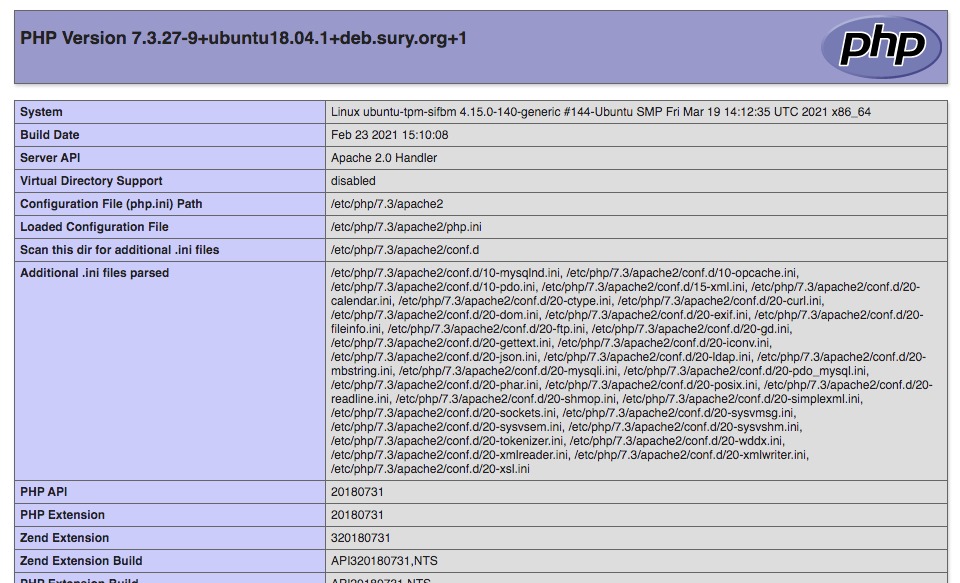
This is how I installed Imagemagick on a vanilla CentOS server Start off by installing the prerequisites yum install php-pear gcc php-devel php-pear Issue the following to verify whether you have Imagemagick available via the current repositories yum list ImageMagick* You should see something similar to the result below: Issue the following to install ImageMagick yum install ImageMagick ImageMagick-devel Now install the imagick library for PHP pecl install imagick Load the imagick extension into PHP echo extension=imagick.so > /etc/php.d/imagick.ini Restart Apache service httpd restart To verify that imagick has been successfully installed, do any of the following php -m |…
Everything on the site, grouped the way the menus are.
HowVPS.com is a comparison platform that brings you useful top lists covering a wide variety of products and services that can help you save...
Installing, tuning and backing up MySQL, MariaDB, PostgreSQL, MongoDB and Redis on a VPS.
Running Docker, Kubernetes and other container tooling on your own servers.
How to host Minecraft, Counter-Strike, TeamSpeak and other game or voice servers on a VPS.
Installing and running WordPress and other content management systems on a VPS.
Technology news for people who run websites and servers, each story linked to its source.
Curated lists of tools and open-source software for running your own server.
Day-to-day server administration, from first login to troubleshooting.
Review Webhosting Control Panel
Review Webhosting Control Panel
Review Webhosting Control Panel